
To connect Recart to your Drip account, you must be logged in to Drip.
It's easy to connect — there's no API key to copy. Just click Connect, authorize Recart in Drip, and you're done. Here's how:
In Recart
- Log in to your Recart account
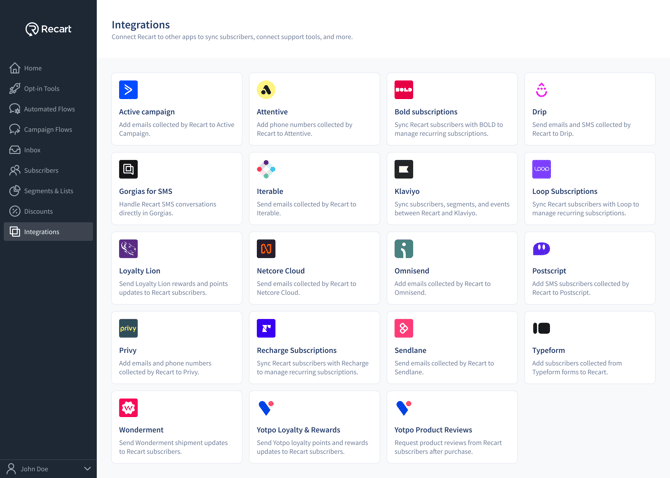
- Go to the Integrations page in Recart
- Find the Drip card and click to open it
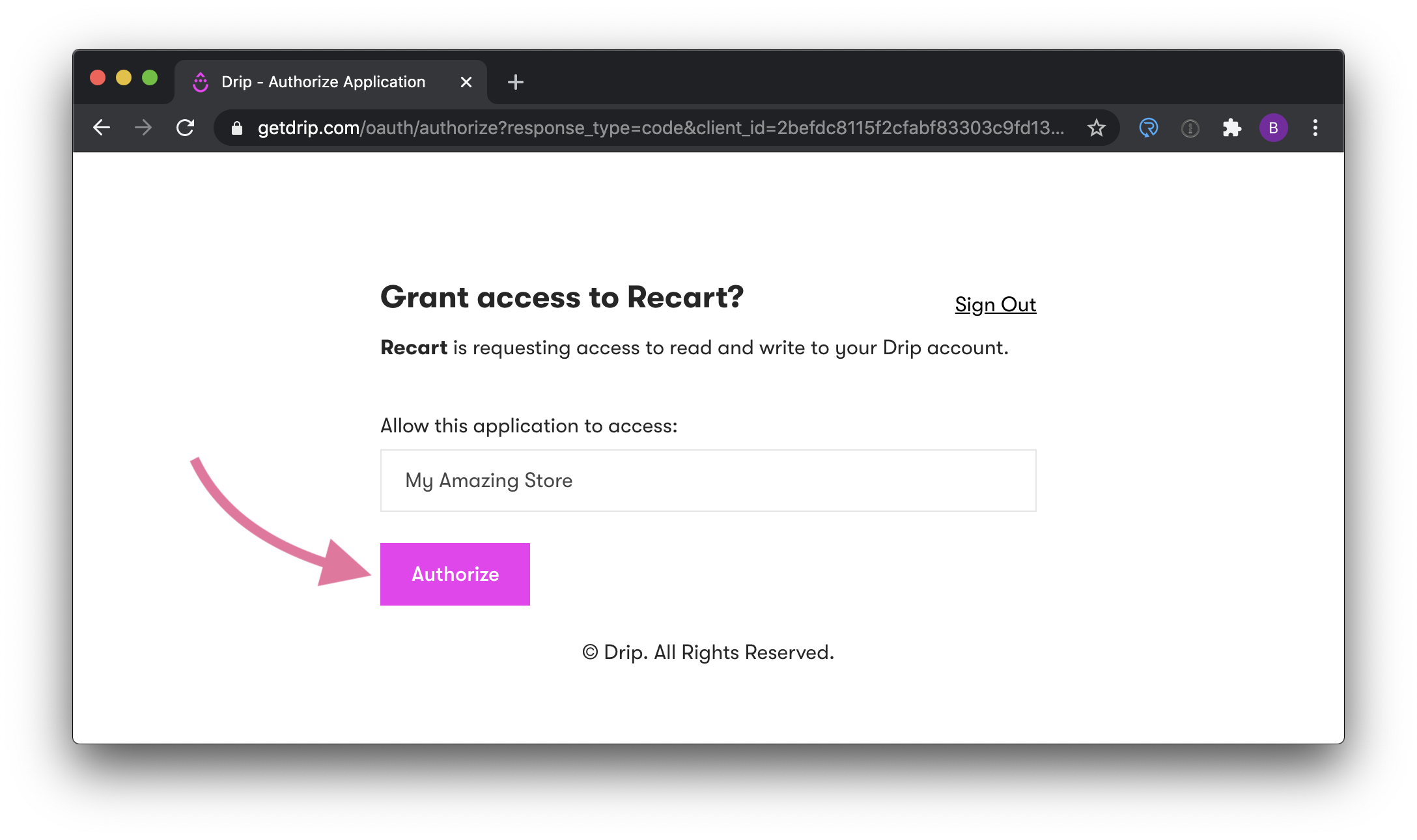
- Follow the steps prompted to sign in to Drip (if you aren't already) and authorize access
- Once complete, you'll be returned to Recart and the Drip integration will show as Active
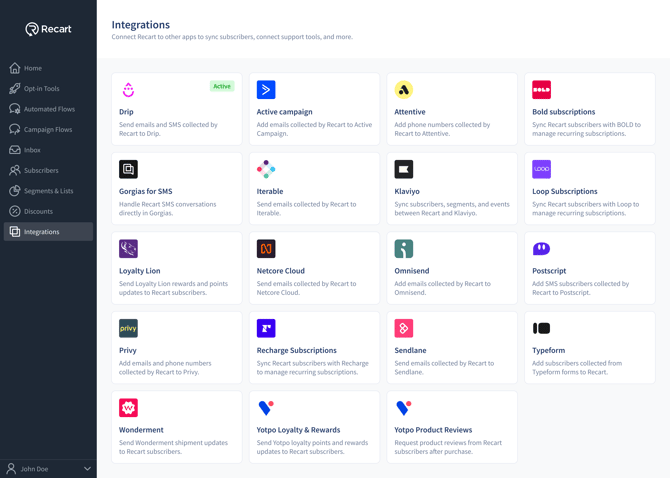
That's it — Drip is now connected to Recart, and your contacts will sync automatically. 🎉
Need Help?
If you have any questions, do not hesitate to contact the Customer Support team, we are always happy to help. 😊