
In Netcore Cloud
- Log in to your Netcore Cloud account
- Generate your API key (see the link at the bottom of this article for exact steps)
- Copy your API key
In Recart
- Log in to your Recart account
- Go to the Integrations page in Recart
- Find the Netcore Cloud card and open it
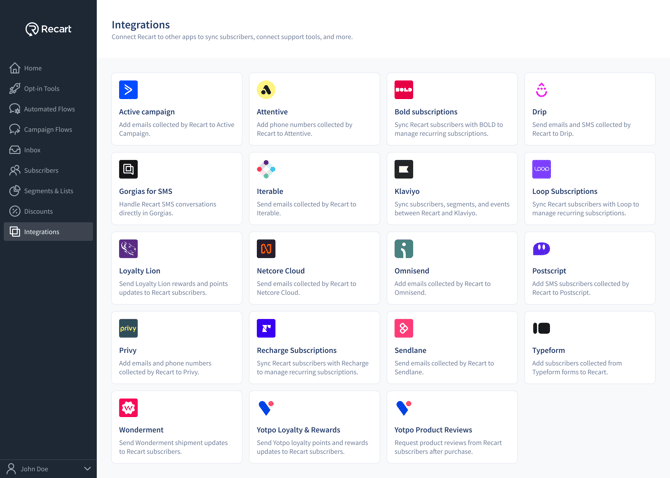
- Paste the API key and click Connect Netcore Cloud
- Once the connection is verified, you'll see a success message and the integration will switch to Active
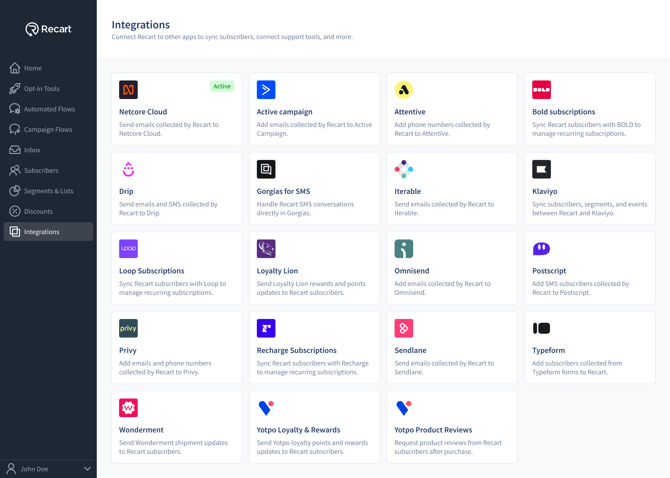
That's it — Netcore Cloud is now connected to Recart, and your email contacts will sync automatically. 🎉
Where to find your Netcore Cloud API key: How do I retrieve my API key?
Need Help?
If you have any questions, do not hesitate to contact the Customer Support team, we are always happy to help. 😊